
TRAINING SUPPORT
Printing Machine Training & Installation Support
On-site operator training and installation guidance for DTF, DTG, UV and Sublimation printing systems.
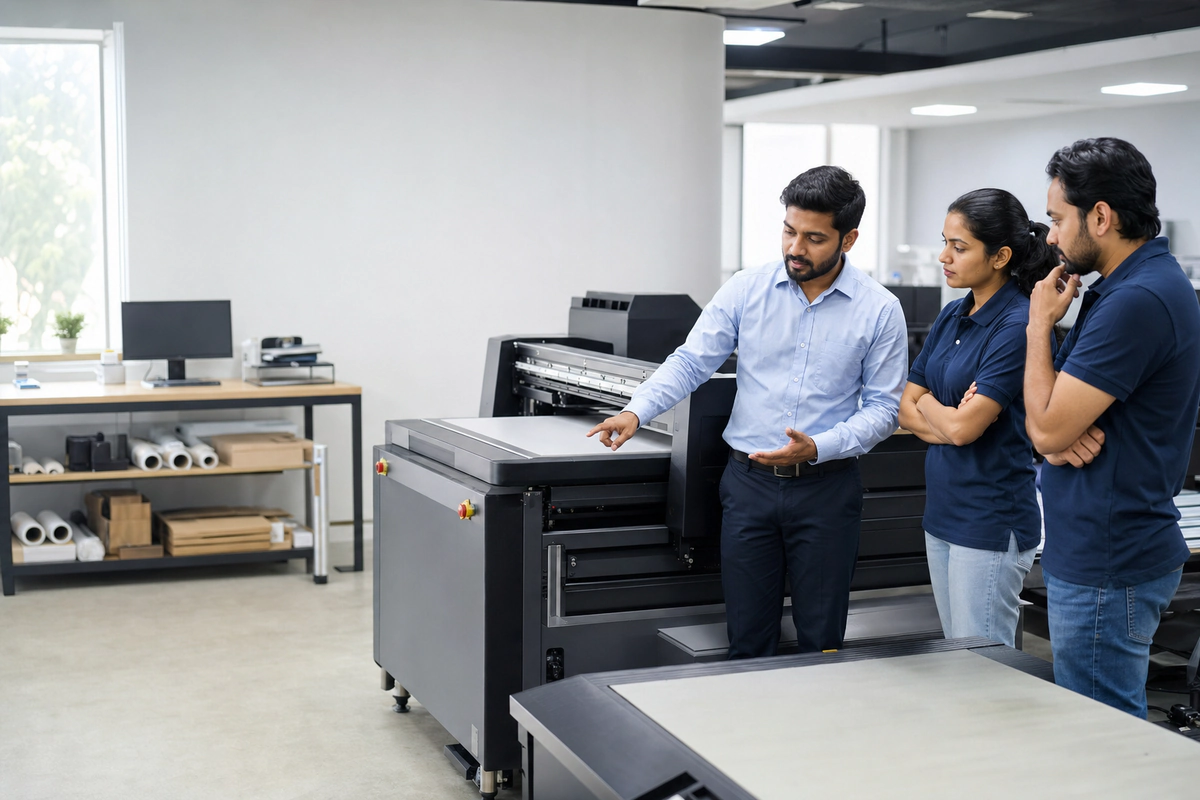
INSTALLATION TRAINING
Installation Training By Machine
DTF Printer Installation
Commonly used for: apparel, uniforms, tote bags and custom merchandise.
What we teach: film loading, ink flow, powder setup, heat press and daily checks.
- Room and printer placement
- White ink circulation
- Shaker and heat press setup
DTG Printer Installation
Commonly used for: cotton T-shirts, creator merch and premium apparel.
What we teach: pretreatment, platen setup, RIP settings and curing workflow.
- Machine leveling
- White ink handling
- Garment curing routine
UV Printer Installation
Commonly used for: phone cases, bottles, gifts, acrylic and signage.
What we teach: flatbed setup, head height, material alignment and lamp safety.
- Flatbed calibration
- White/color/varnish workflow
- Rotary basics if applicable
Sublimation Printer Installation
Commonly used for: sportswear, polyester T-shirts, mugs and transfer printing.
What we teach: ink loading, ICC basics, paper loading and heat press settings.
- Printer and ink setup
- Profile basics
- Product compatibility
DTF INSTALLATION
DTF Printer Installation
Set up your DTF workflow with guidance so print quality, powder adhesion and daily maintenance can support more consistent results.
- Printer placement and room setup
- Film loading
- Ink circulation basics
- White ink handling
- Powder/shaker setup
- Heat press settings
- Daily nozzle check
- Basic troubleshooting
DTG INSTALLATION
DTG Printer Installation
DTG training focuses on cotton garment preparation, soft print feel, color setup and controlled curing.
- Garment pre-treatment
- Machine leveling
- Platen setup
- RIP color settings
- White ink handling
- Curing process
- Maintenance routine
UV INSTALLATION
UV Printer Installation
UV installation support helps your team handle rigid products safely and improve print alignment consistency.
- Flatbed setup
- Head height adjustment
- UV lamp safety
- Material alignment
- Varnish/white/color workflow
- Rotary attachment basics if applicable
SUBLIMATION INSTALLATION
Sublimation Printer Installation
Sublimation training helps your team prepare transfers, choose compatible products and control heat press output.
- Printer setup
- Sublimation ink loading
- ICC profile basics
- Paper loading
- Heat press settings
- Fabric/product compatibility
DAILY MAINTENANCE
Daily Maintenance Checklist
Nozzle & Printhead Care
Nozzle check, printhead cleaning and shutdown routine.
Ink & Room Control
Ink shaking/circulation, humidity control and dust prevention.
Cleaning Parts
Wiper, capping station, media path and waste system cleaning.
RIP SOFTWARE
RIP Software & Color Training
Learn the basic software decisions that affect color, detail, white ink, pass settings and output consistency.
- File preparation
- Color profile basics
- Print queue setup
- White layer setup
- Resolution/pass settings
- Common print quality mistakes
TROUBLESHOOTING
Common Issues We Help Your Team Understand
Nozzle Missing
Check cleaning, capping and ink flow before production.
Banding
Review calibration, pass settings, media movement and nozzle condition.
Color Mismatch
Check profiles, artwork files, ink status and print settings.
Ink Clogging
Improve maintenance, room control and consumable handling.
Film Feeding Issue
Review film loading, tension and media path.
White Ink Settling
Follow circulation, shaking and daily check routines.
Poor Adhesion
Check powder, curing, material and heat press timing.
Wrong Heat Press Settings
Validate time, temperature and pressure for the product.
INSTALL WITH CONFIDENCE
Need Help Installing Or Training Your Team?
Book installation support and our team will guide your operators on setup, handling, maintenance and production workflow. Training is included with an eligible machine purchase. On-site availability, scheduling and any travel-related requirements are confirmed before the visit.
Prepare for an installation or training discussion
Before scheduling
Share the exact model, delivery location, room dimensions, access restrictions and photos of the intended area. Obtain the model-specific electrical and environmental requirements rather than using a generic power estimate.
For the operator
Identify who will operate the equipment and their experience. Ask which topics are included: safe startup and shutdown, material loading, artwork preparation, the approved printing workflow and routine care.
After the session
Keep the applicable manual, agreed operating procedure and service contact details accessible. Confirm support scope and any charges in your quotation; training does not guarantee production output or business results.
Discuss installation or training