
After the DTF Printer: Is Cutting and Sorting Slowing Down Your Transfer Business?
A DTF print roll can leave the dryer quickly and still wait hours to become a packed, customer-ready order. Learn what to measure before investing in automated cutting.
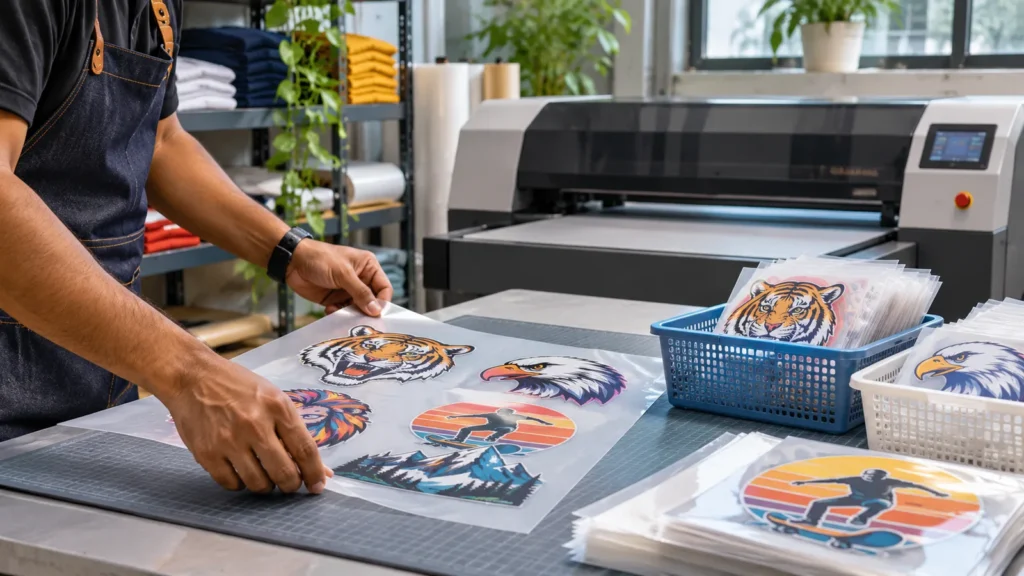
A printing workshop can produce a beautiful roll of DTF film and still miss the delivery deadline. The printer finishes its job, the film is cured, and then two operators spend the evening separating logos, grouping sizes, and searching through loose transfers. The actual bottleneck may be after the printer, not inside it.
For Indian transfer suppliers serving school uniforms, corporate events, independent apparel brands and small resellers, this creates a straightforward investment question: when should you keep cutting by hand, and when should you test an automated cutter? The answer begins with the shape of your orders and a measured trial—not a brochure speed claim.
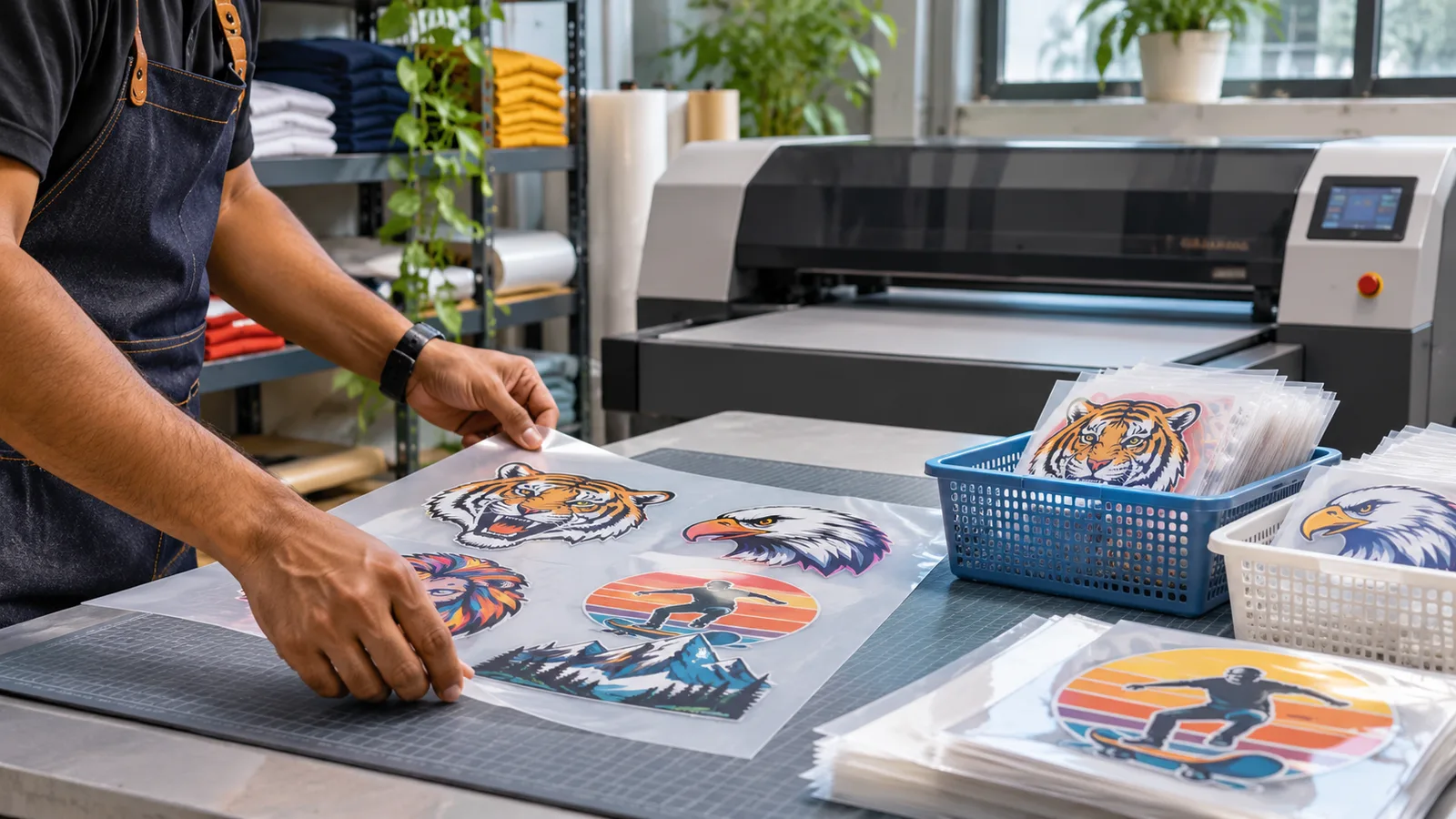
Editorial illustration only. This is an AI-generated generic workbench, not an authenticated HJD machine or a demonstrated cutting result.
Look at the order after the film comes out of the dryer
DTF production includes artwork preparation, film printing, powder application, curing, cooling, cutting, sorting and heat application. Some businesses sell loose ready-to-press transfers; others apply them to garments in the same facility. These two business models have different finishing needs.
A gang sheet with 100 small chest logos may be easy to print efficiently. However, if each logo must be separated, counted, labelled by size and packed for a different branch, the finishing labour can exceed the time spent printing. A business selling a few large prints may not face the same difficulty.
Record the number of individual pieces rather than only the linear metres printed. Also record the time spent on locating artwork, cutting, sorting, counting and repacking. This avoids treating a printer’s advertised area output as finished transfer output.
Which cutting method fits the job?
Manual cutting
Scissors, straight cutters or simple trimming tools can be practical for varied low-volume work. Their strengths are low initial equipment cost and the ability to make decisions around unusual shapes. The limitations are repetitive operator work, inconsistently sized borders and the risk of mixing orders. Operator fatigue and injury prevention should be part of the assessment.
Sheet and contour cutting
A sheet cutter or contour cutter can be relevant when artwork has stable outlines and repeated placement. ProlificGeeks lists the HJD-S01-5 sheet and contour cutting machine with a 700 × 900 mm cutting area and a double-blade system for basic, contour and sheet cutting. The same catalogue lists an accuracy figure of ±0.15 mm, which is a manufacturer brochure value not a verified production tolerance on your artwork or film. Ask for a test on the exact cut line, border and material you use. The product is named “Engraving Machine” in the catalogue; buyers should confirm the supplied blade-cutting configuration in writing.
Camera-positioned film cutting and slitting
For roll-fed finishing, the HJD-S01-6 DTF film cutter is described as a camera-positioned cutter with longitudinal slitting and deviation correction. The public page lists a maximum cutting width of 850 mm. That is a catalogue width specification, not a promise that every 850 mm film layout or registration-mark arrangement will work. The machine’s suitability depends on supplied configuration, artwork, registration detection, film characteristics and the actual job sample.
Neither machine should be purchased merely because the headline cutting speed looks impressive. Test the full workflow from printed sheet to correctly counted transfer sets.
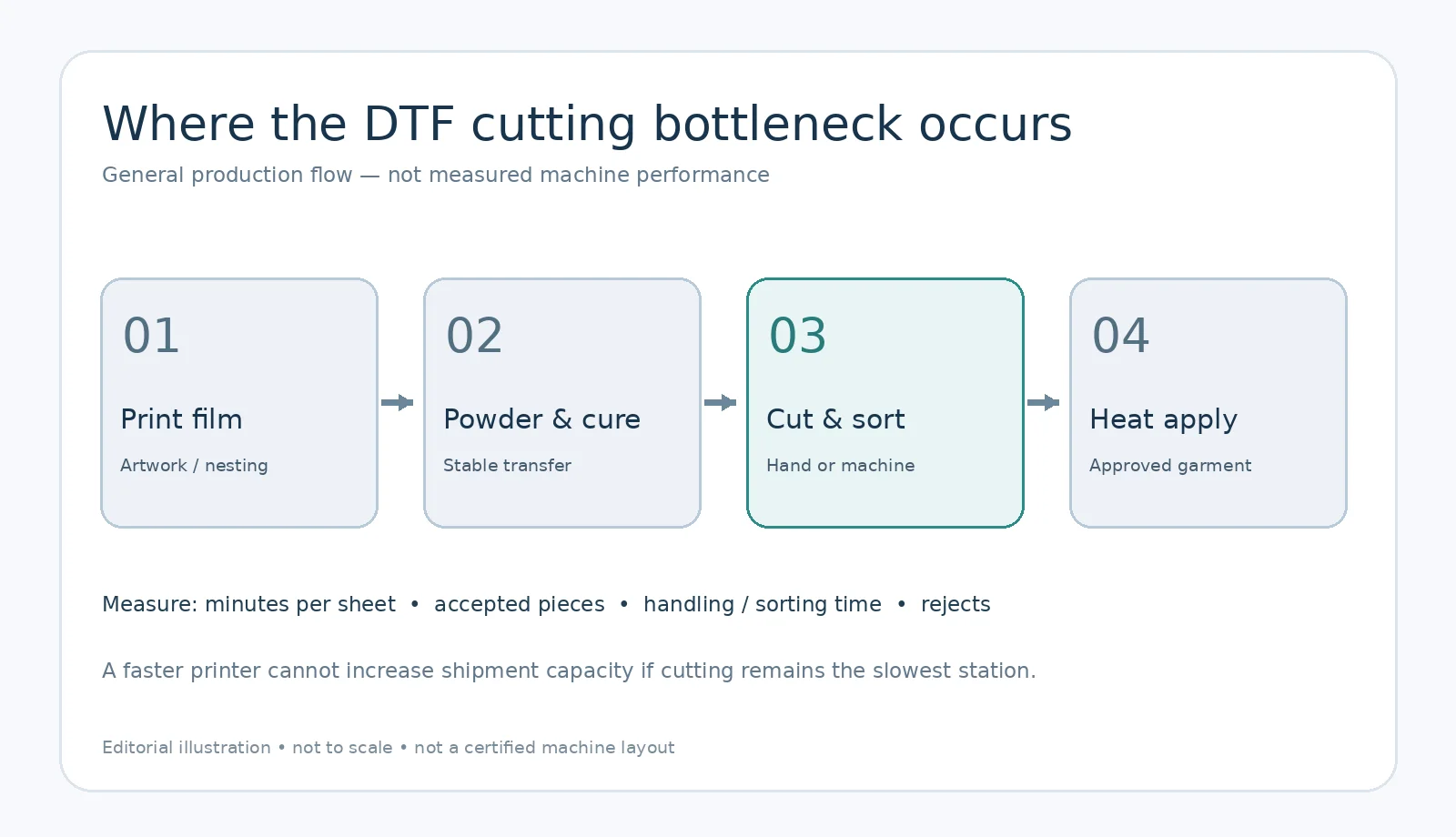
Conceptual process diagram, not measured machine performance or a certified installation layout.
Measure completed transfers, not blade speed
Here is a hypothetical planning example. A workshop needs to finish 240 small transfers for one school order. An operator takes an average of 18 seconds to separate and sort one transfer, ignoring setup and interruptions. That is 4,320 seconds, or 72 minutes of handling work.
If a test cutter reduces cutting labour but adds time for loading, marks, inspection and sorting, all those stages still count. An automated machine that produces more cut shapes but creates more counting errors may not improve accepted delivery output.
Use the following worksheet with your own measured values:
Effective finishing time = setup + loading + cutting + inspection + sorting + packing + rework.
Accepted transfers per labour-hour = correct, ready-to-dispatch transfers ÷ total operator-hours.
Record separate results for a batch of identical logos and a mixed-size, mixed-design order. That distinction is crucial because automation tends to behave differently when layouts change frequently.
Check artwork, registration and cut-line accuracy
Many cutter complaints begin upstream, before a blade touches film. Supply the cutter with the exact exported contour path expected by its software. Confirm whether the machine reads optical registration marks, how the marks are positioned, and whether the film can stretch, curl or shift before cutting.
For trials, include small text, curved contours, closely spaced images and at least one large logo. Test how much border is left around each printed transfer. Do not force a cut across essential printed pixels or an adhesive-bearing area without verifying the application result.
Keep each test file, registration layout, film specification and cut result together. If the job shifts during feeding, examine film tension and the manufacturer’s alignment procedure before changing cut-line offsets blindly.
Why sorting matters as much as cutting
A finished roll might contain different shirt sizes, names or customer orders. Even a perfectly cut transfer has no value if it reaches the wrong garment. Build a controlled release process: one order identifier, a count sheet, separate labelled trays and a final reconciliation before dispatch.
Consider placing an identifying mark outside the customer transfer area where compatible with the workflow. Avoid printing identifying text on the transfer itself unless the customer has approved it. For large wholesale orders, package transfers in clearly labelled batches rather than loose mixed stacks.
For a new equipment purchase, the sample demonstration should include counting and packing, not only a cutter operating in isolation.
Calculate whether automation makes financial sense
Start with labour cost, accepted output, expected daily orders, power, floor space, software, service parts, blades and operator training. Ask how easily an operator can change between a large logo and several small designs. Confirm after-sales support, delivery and installation responsibilities through the ProlificGeeks machinery buying guide.
A simple payback model is:
Estimated payback period = total additional investment ÷ realistic monthly net labour and waste savings.
This is only useful when the savings are measured from actual work. It should not assume every saved minute becomes an additional sale. If orders are irregular, consider testing the cutter with a week’s representative files before making an investment decision.
Factory acceptance test: what to ask the vendor to demonstrate
Bring five live customer-style transfer files, different sizes and a small quantity of the film you actually use. Confirm the exact machine configuration, blades, software, alignment method, media limits and accessories in the quotation.
During the demo, observe registration, cutting, safe loading, waste disposal, operator intervention, cleaning and the time taken to produce a counted and correctly labelled set. Inspect edges and reject rates. Keep the trial measurements and settings. Do not claim a rated brochure speed is accepted commercial throughput.
The ProlificGeeks finishing machine category lists the related equipment families, while the downloads catalogue provides manufacturer documentation for configuration review. Before ordering, use the contact page to request a sample trial and a written specification sheet matching your work.
Frequently asked questions
Can a cutter trim DTF film without damaging the printed transfer?
It depends on the film, cutting path, blade, settings and actual machine configuration. Test a representative image and transfer the result onto fabric before approving bulk production.
Is a camera registration system always better than manual cutting?
Not necessarily. It can help a repeatable workflow, but changeover time, artwork preparation, order sorting and operator skill still matter. Compare finished accepted output for the real order mix.
Does the HJD-S01-6 support every roll width below 850 mm?
The catalogue lists 850 mm maximum cutting width, but usable media width, sensors, registration marks and configuration must be confirmed in a supplier demonstration.
Should a business upgrade the printer first or add a cutter?
Measure current queue time at each stage. If the printer sits idle waiting for jobs, more printheads may not help. If cured film waits for manual finishing, investigate cutting and sorting productivity first.
Will automated cutting eliminate staff?
No such result can be assumed. Operators may still prepare layouts, load media, inspect output, count pieces, maintain tools and resolve exceptions. Evaluate the workflow and training requirements instead of promising headcount reductions.
Request a finishing-workflow assessment
Send ProlificGeeks your current film width, example gang sheets, pieces per day, typical artwork sizes, cutting and sorting time, available space and desired delivery schedule. Ask for a representative demonstration of the HJD-S01-5 or HJD-S01-6, with the exact supplied model and measured results recorded before committing.
A printing business grows more reliably when its last production step is planned as carefully as its first.
Source attribution: ProlificGeeks publicly available manufacturer catalogue and machine-specific product documentation; Gartex Texprocess India organiser reports dated 6 and 12 August 2026; Reuters reporting dated 11 November 2026 about export manufacturers’ changing market exposure. These support the equipment context and market environment, not any claim of tested HJD cutter productivity or India-specific keyword volume.