
Machine Catalogue
Find the Right Printing Machine
Printing Machine Catalogue: Compare Your Options
Use our printing machine catalogue to compare Audley, Locor and HJD equipment for DTF, DTG, UV DTF, UV and sublimation workflows. Review each model’s images and available specifications before requesting a quotation.
Start with your print material, working width and daily volume. Read the printing machine buying guide, explore printing technologies, or check setup and support guidance before confirming your machine configuration.
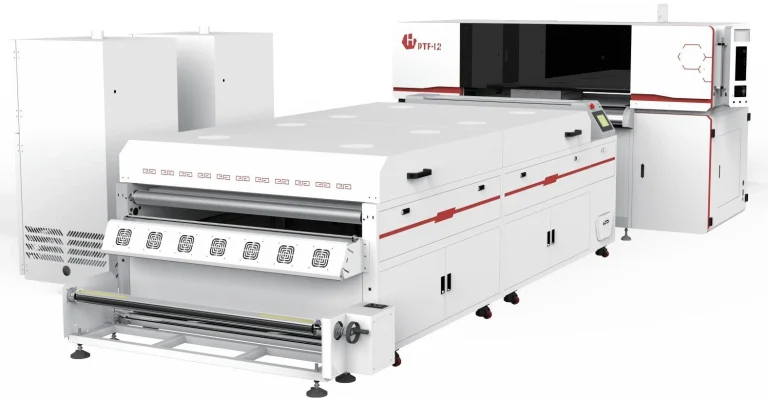
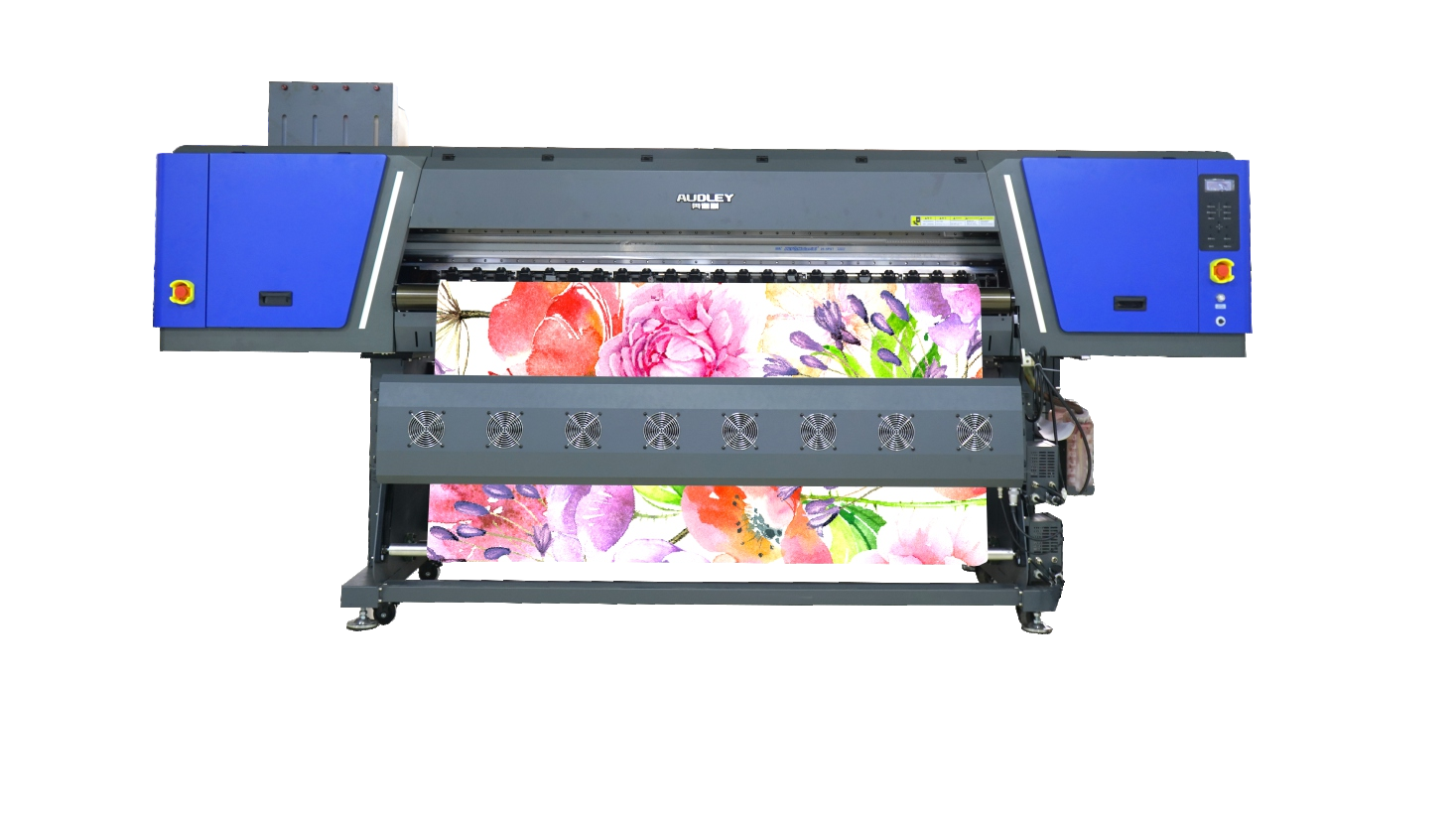
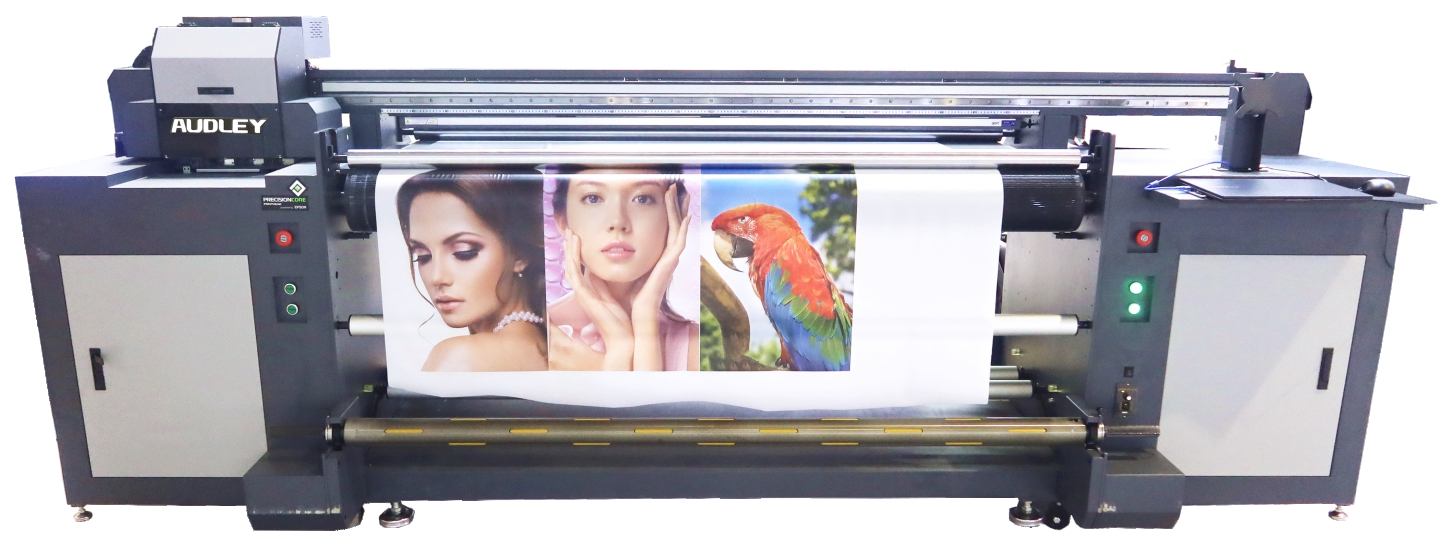
Explore Machines
Explore 131 Machines
Compare machines by technology, application and production requirement.
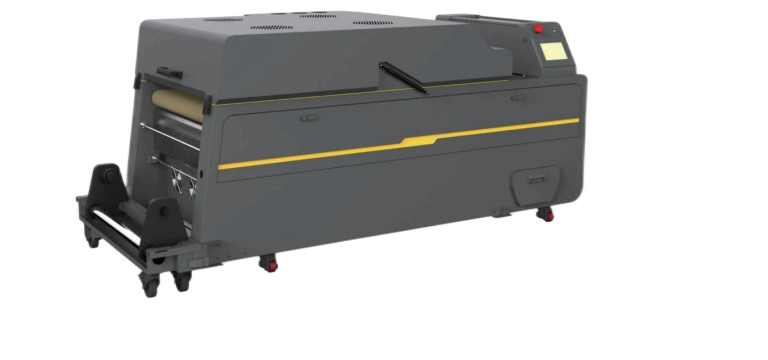
Purifying Powder Scattering All-in-one Machine
- Power: 5.7 kW
- Supply: AC 220 V / 50 Hz / 33 A
A separately listed DTF powder-handling unit.
Request current price
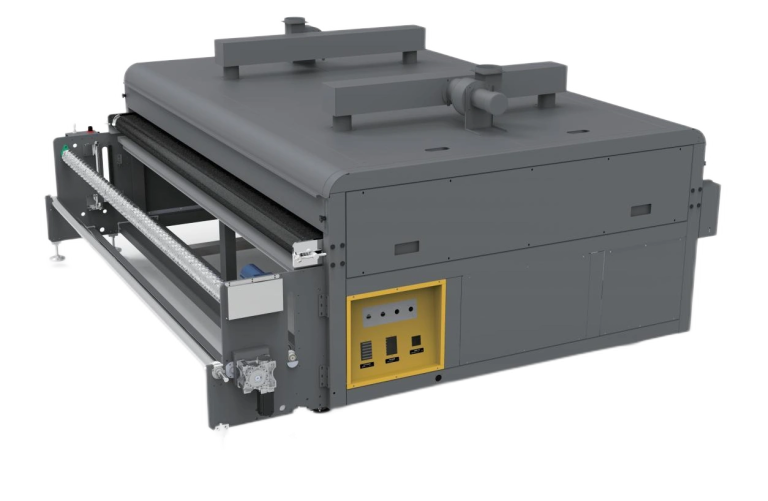
Single Layer Oven
- Power: 380 V / 11 kW or 17 kW
A circulating hot-air conveyor oven with isolated heating elements and automatic mesh-belt deviation correction.
Request current price
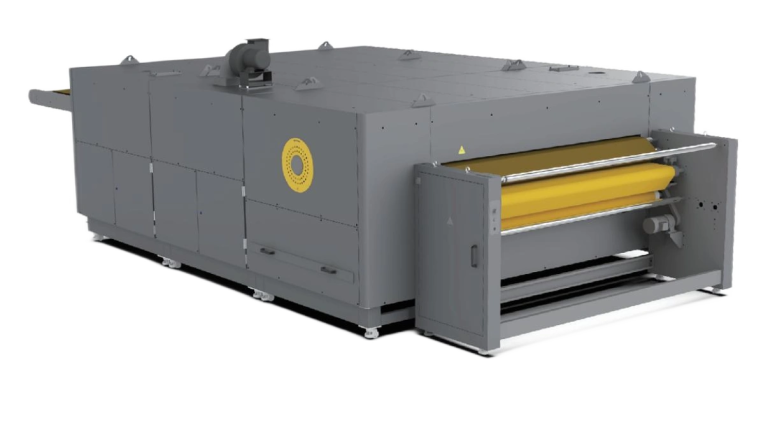
Three-layer Conveyor Oven
- Power: 380 V / 50 kW
A three-layer conveyor oven for textile drying with a 1900 mm mesh belt.
Request current price
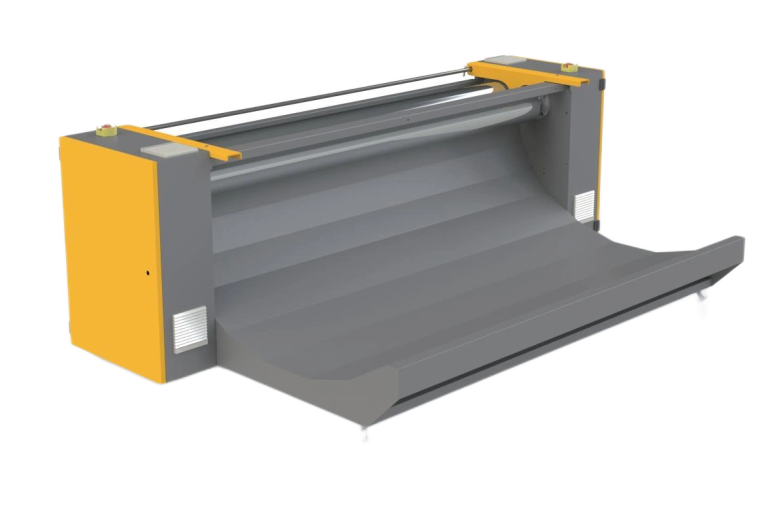
Unwinding Machine
- Brochure-supported equipment; confirm the required configuration
An optional elastic-fabric feeding unit intended to reduce stretching during feeding.
Request current price
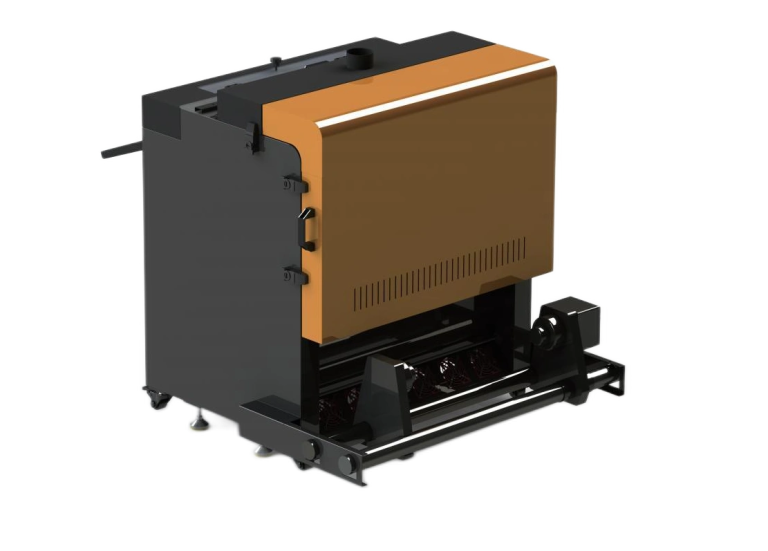
Vertical Powder Spreading and Drying Integrated Machine
- Media width: 0–600 mm
A separately listed DTF powder-handling unit.
Request current price
1. Match the printing machine catalogue to your material
Start with the product you want to make: garments, transfer graphics, rigid items or textile rolls. Use the technology categories to shortlist suitable workflows. Ask for a sample on your intended material before assuming that a printer, ink or transfer film is compatible.
Use our printing machine catalogue to compare individual models, then open each machine page for its application notes and available brochure. A category name alone does not confirm suitability for your finished product.
2. Compare working width and production needs
Prepare your typical artwork dimensions, daily quantity and available operating hours. Compare the listed working width and configuration rather than selecting a model from its name alone. Reconfirm specifications and any production estimate against the exact configuration in your quotation.
The printing machine catalogue provides a starting point for your shortlist. Read model-specific specifications and discuss media handling, drying or curing equipment, software and consumables before deciding.
3. Confirm setup and the complete quotation
Measure your workspace and access route, then share your electrical supply and ventilation arrangements. Ask which installation, training and support services apply to your order. Confirm availability, dispatch timing, warranty exclusions and the full package in writing.
Keep your printing machine catalogue shortlist ready when requesting advice. Read the buying guide and support guidance to prepare your questions.
Choose by printing technology
Compare DTF, sublimation, UV, UV DTF and inkjet categories without mixing unverified machines into the results.
Choose by business/application
Use the machine detail pages to start a discussion around your product type, workspace and output goals.
Why buy through ProlificGeeks?
Get guided shortlisting, quotation-specific specification confirmation and installation/training planning where applicable.
Need help choosing?
Talk to an expert before selecting your machine.
Share your product, space and budget range; we will help shortlist machines and confirm specifications before purchase.